![image008.png]](https://www.ketra.com/hs-fs/hubfs/image008.png?height=40&name=image008.png)
You can create or modify scenes from multiple places in the software. We always recommend building scenes on the Scenes tab and then assigning them on the Keypads, Integration, and/or Shows tabs, but you could build them there as well.
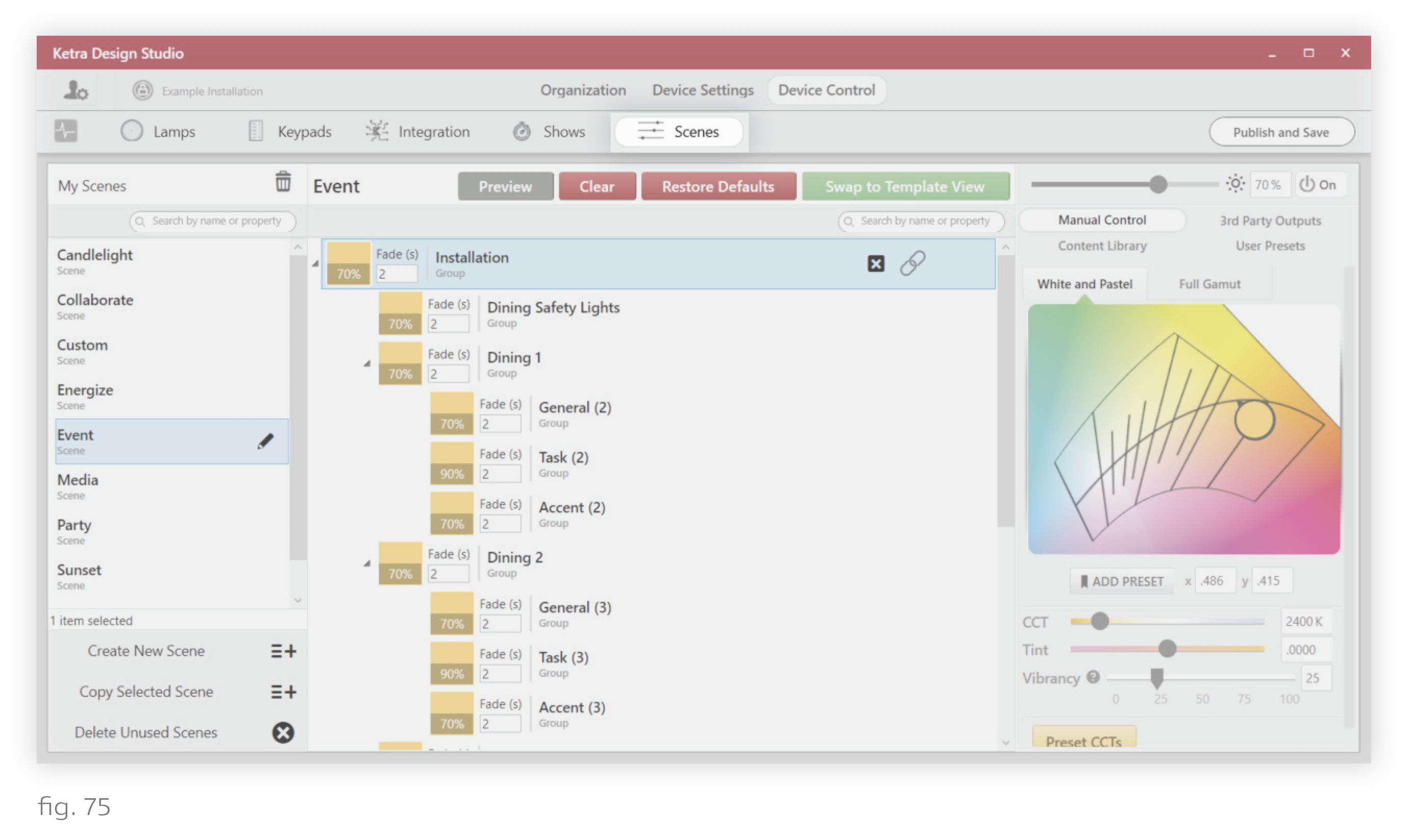
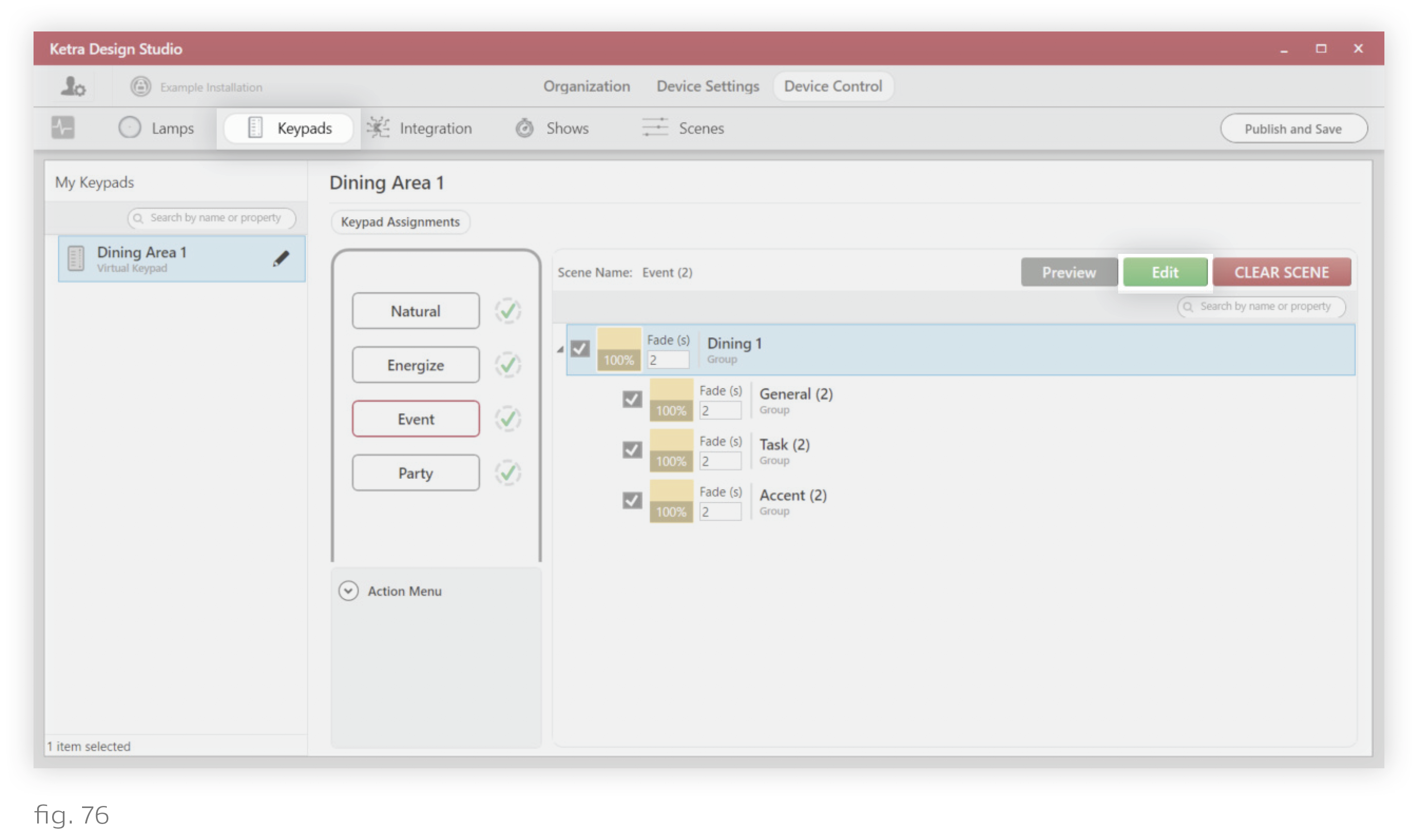
To access Design Studio’s scene-building functionality from each tab, consult the images below.
- The Scenes tab
- The Keypads tab: Click the green Edit button to open the Ketra Scene Builder window
- The Integration tab: Click the green Edit button to open the Ketra Scene Builder window
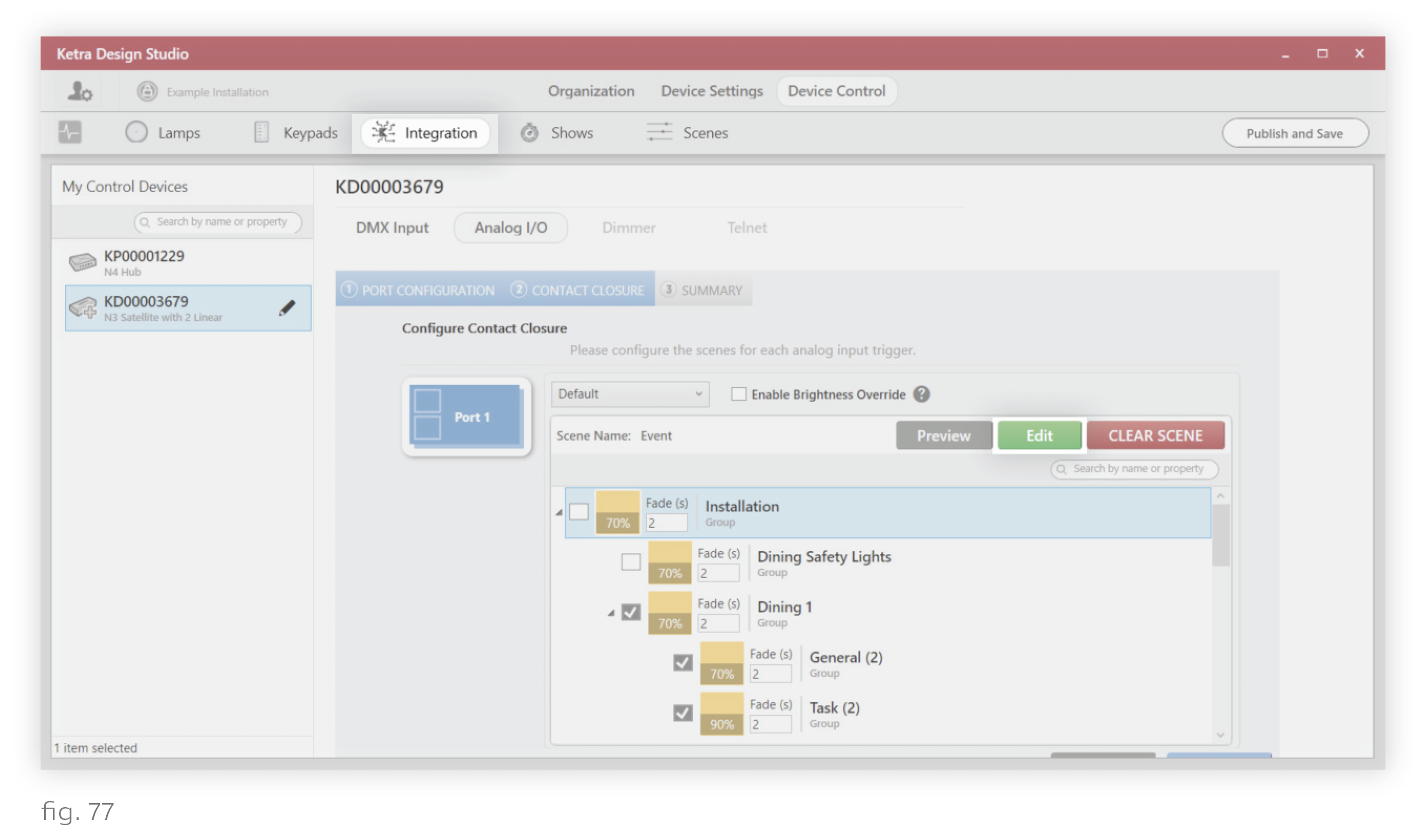
Note: Scenes you create on the Integration tab for analog inputs can be reused on the Integration tab by inputs. However, they will not appear on other tabs.
- The Shows tab: Click the green Edit button to open the Ketra Scene Builder window
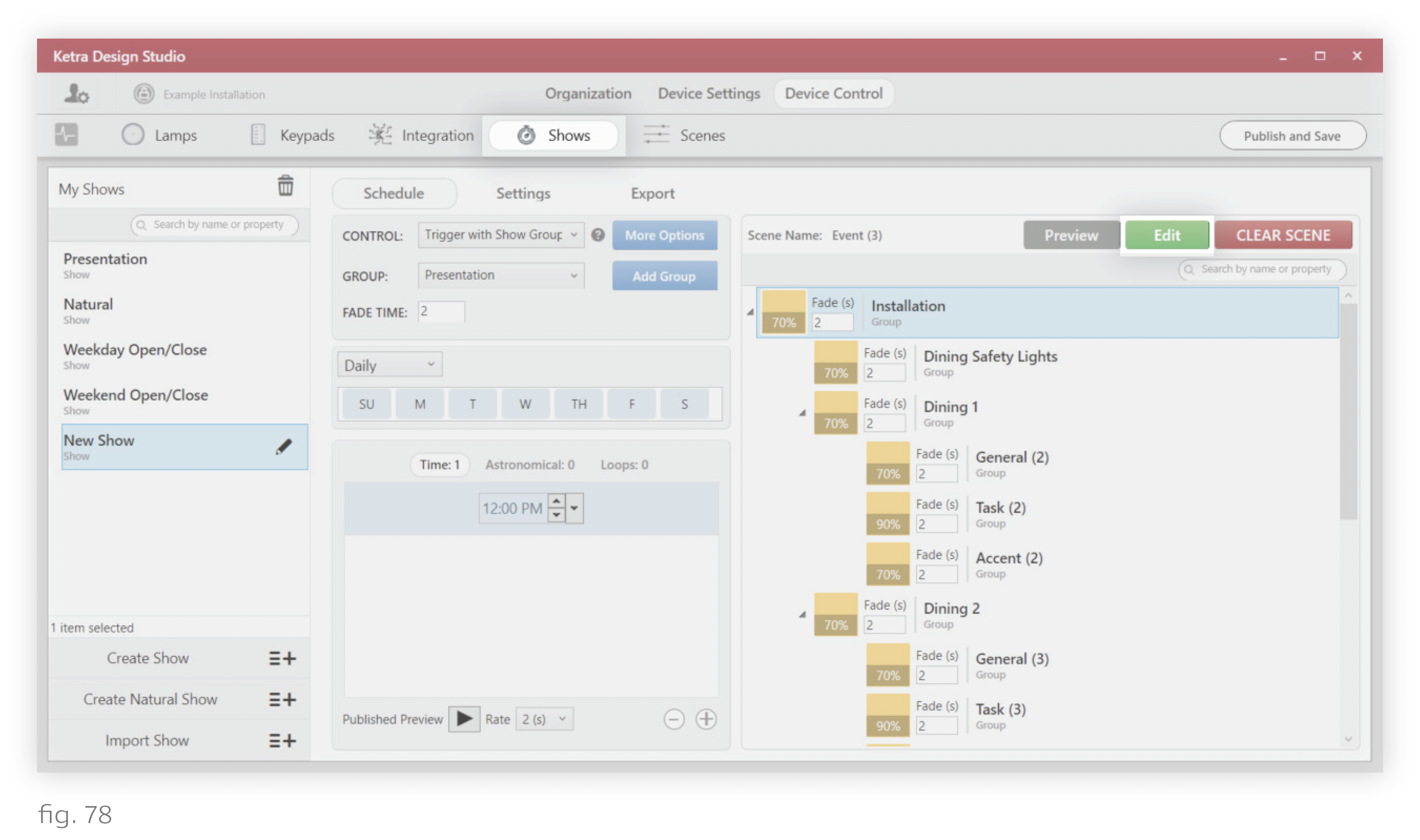
Note: Scenes you create on the Shows tab for time triggers can be reused on the Shows tab by other time triggers. However, they will not appear on other tabs.