![image008.png]](https://www.ketra.com/hs-fs/hubfs/image008.png?height=40&name=image008.png)
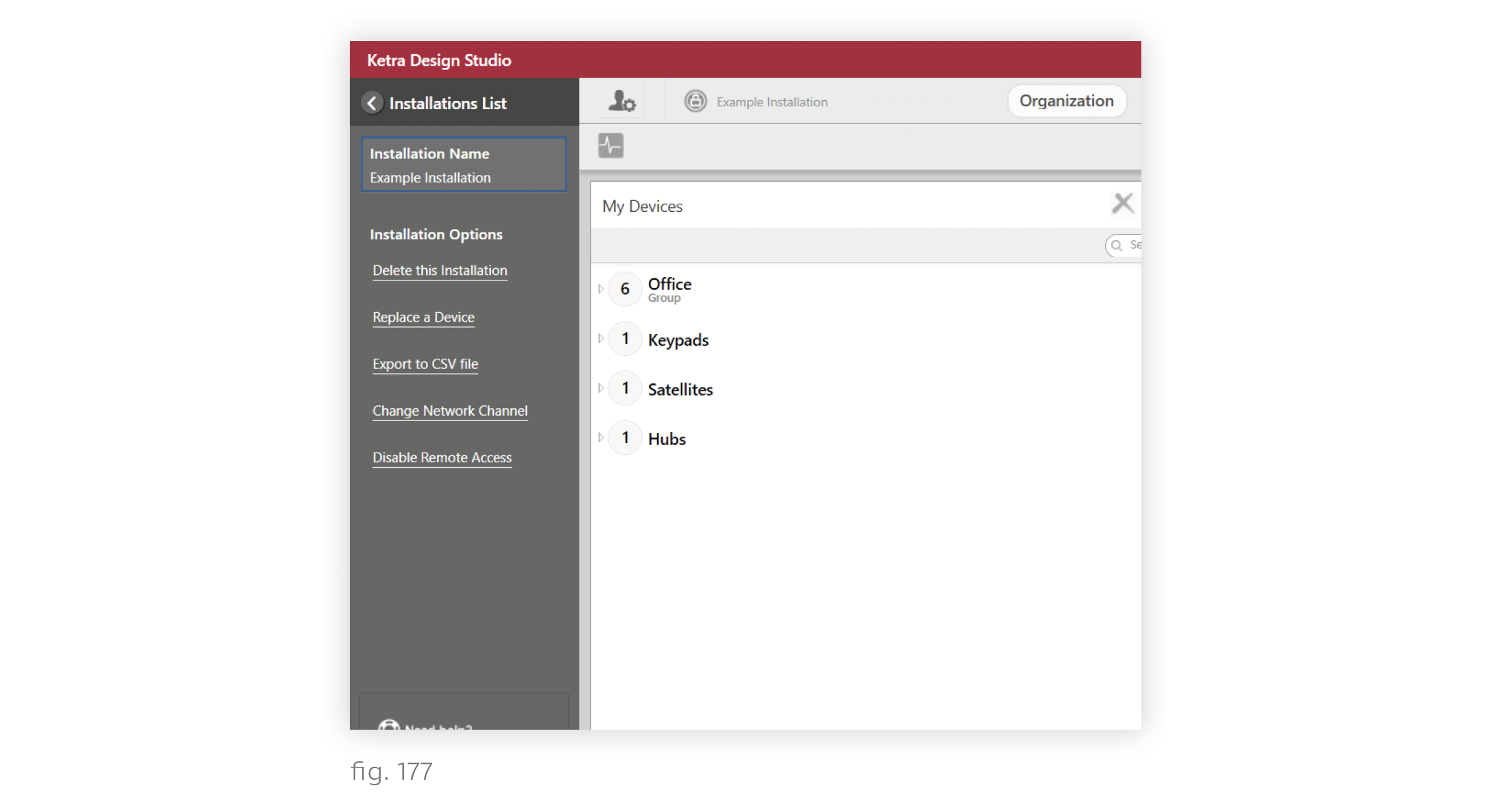
Any user can rename an installation. To rename, follow these steps:
1. Open the installation in Design Studio.
2. Click the user icon in the top-left corner to open the sidebar.
3. Double-click the name in the Installation Name box, then type a new name.
The installation name will be automatically updated for all accounts with access to the installation.