![image008.png]](https://www.ketra.com/hs-fs/hubfs/image008.png?height=40&name=image008.png)
Changing Account Information
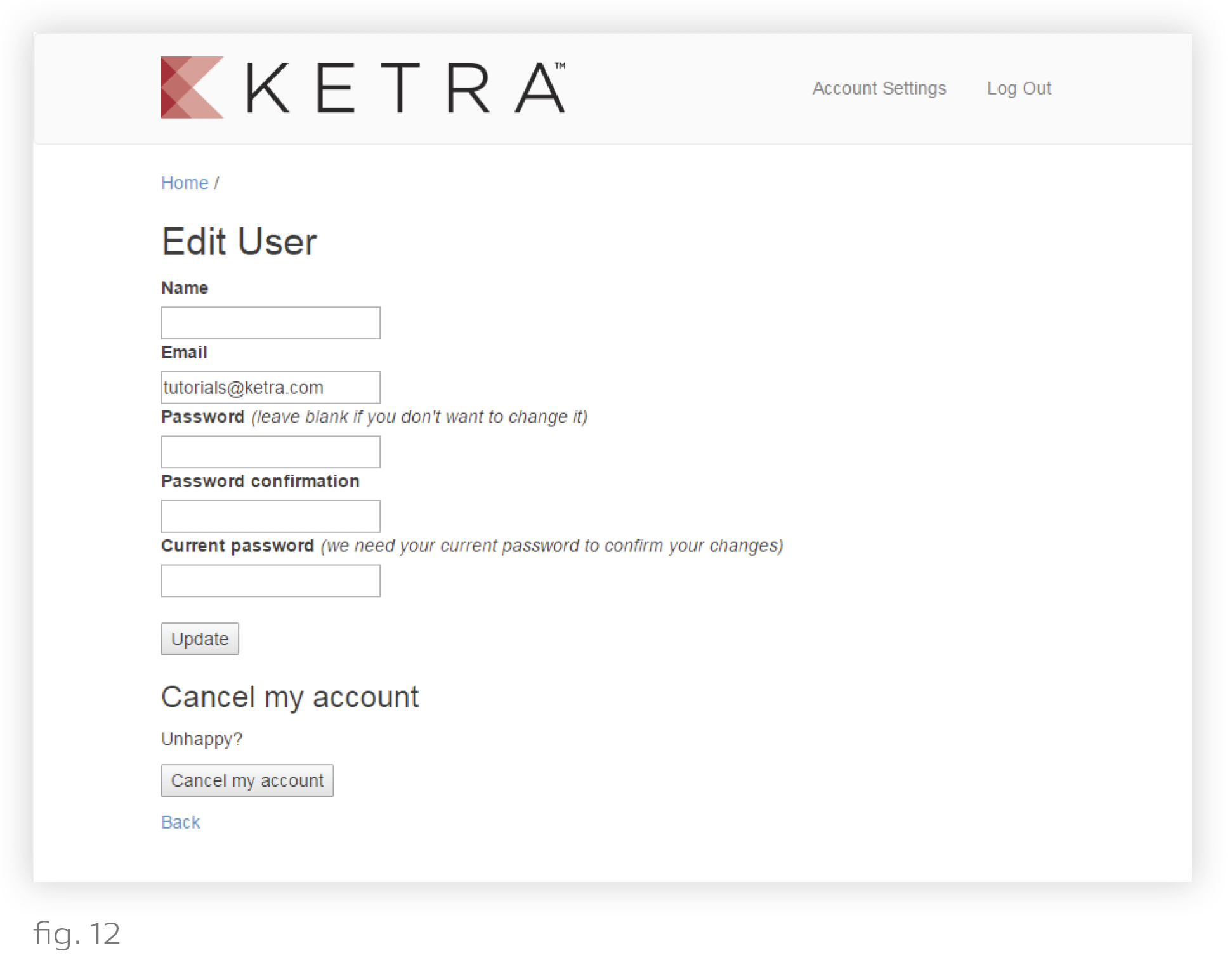
Use my.goketra to change your account name, email, or password.
- In your web browser, navigate to https://my.goketra.com/users/edit.
- Log in if prompted.
- Use the same Ketra account information you use to log in to Design Studio.
- Make the desired changes.
- Enter your current password and click Update.