![image008.png]](https://www.ketra.com/hs-fs/hubfs/image008.png?height=40&name=image008.png)
Note: Logging out of Design Studio does not log you out of my.goketra in your web browser.
To log out of Design Studio, follow these steps:
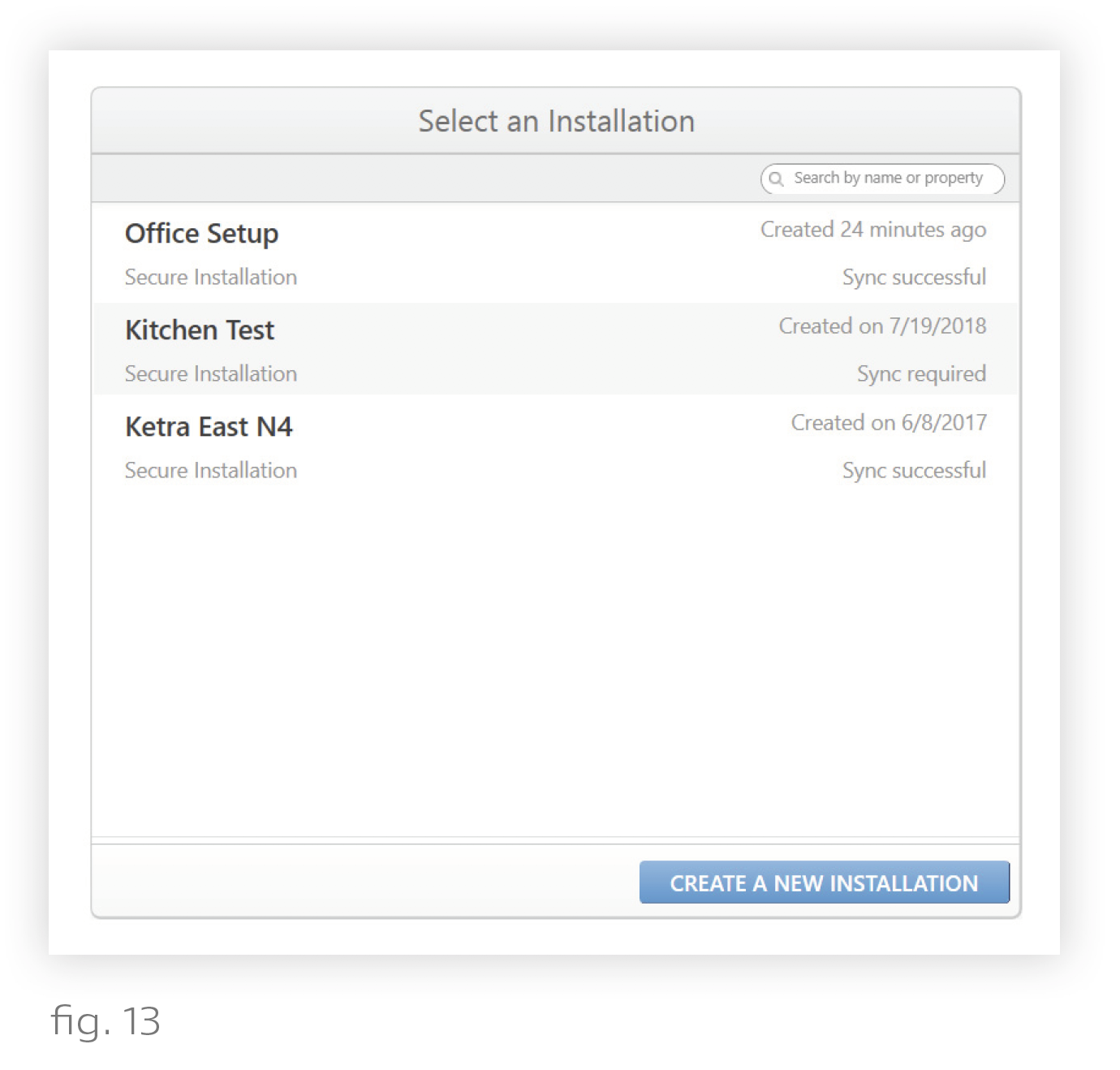
- In Design Studio, navigate to the Existing Installations list. (fig. 13)
- Open the sidebar by clicking the user icon in the top-left corner. (fig. 14)
- In the sidebar, click Log Out. (fig. 15)